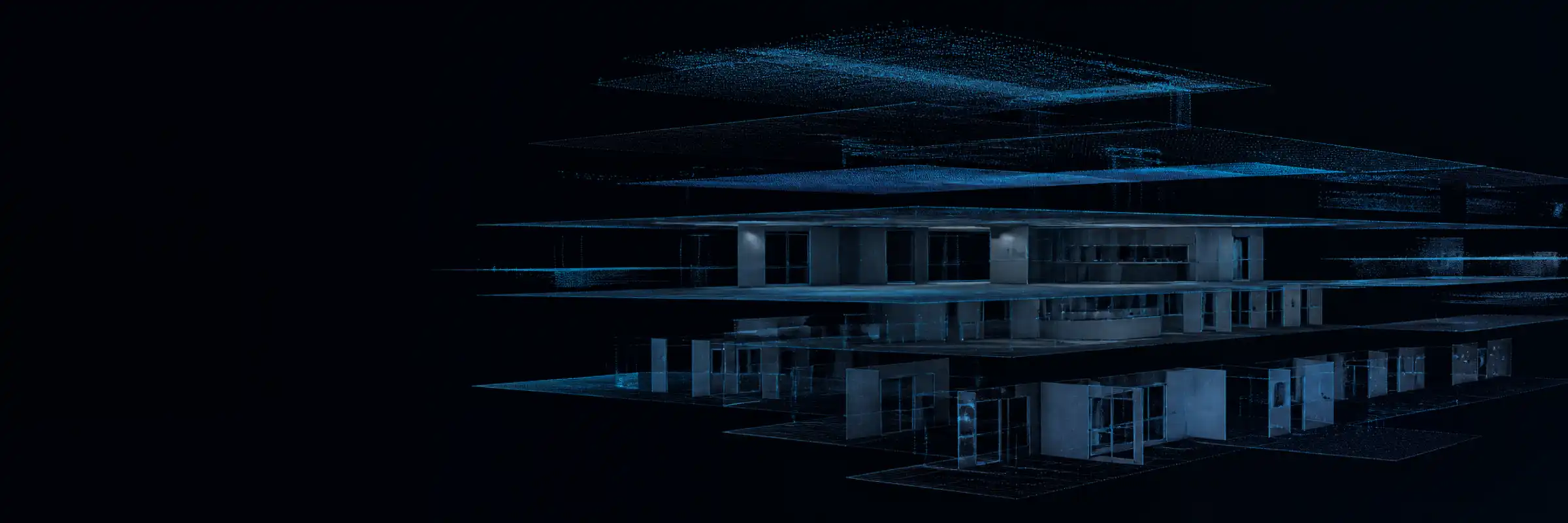
An engine that turns one captured walk into repeatable checks.
Capture a space, keep it as evidence, put AI to work on it, and place what it finds where it actually is. Then do it all again when the question changes.
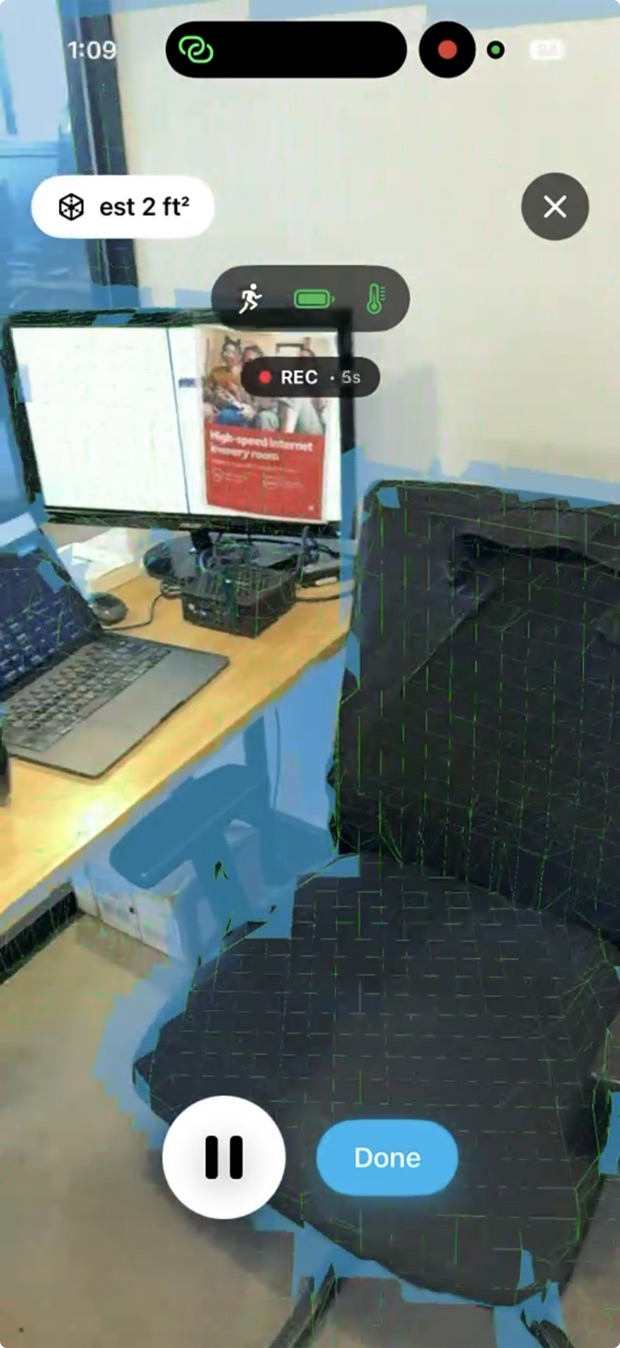
One walk records everything a later question might need.
What the scan is worth gets decided long after the operator has left, so it has to be complete rather than targeted.
- An ordinary walk with a LiDAR iPhone. No rig, no specialist operator.
- Coverage is painted on screen as you go, so gaps are found onsite rather than back at the office.
- Uploads survive bad signal. They resume instead of starting over.
The space is kept whole, not reduced to a deliverable.
Every frame, its depth, and where the camera stood. That is what lets a question asked next year be answered from a visit made today.
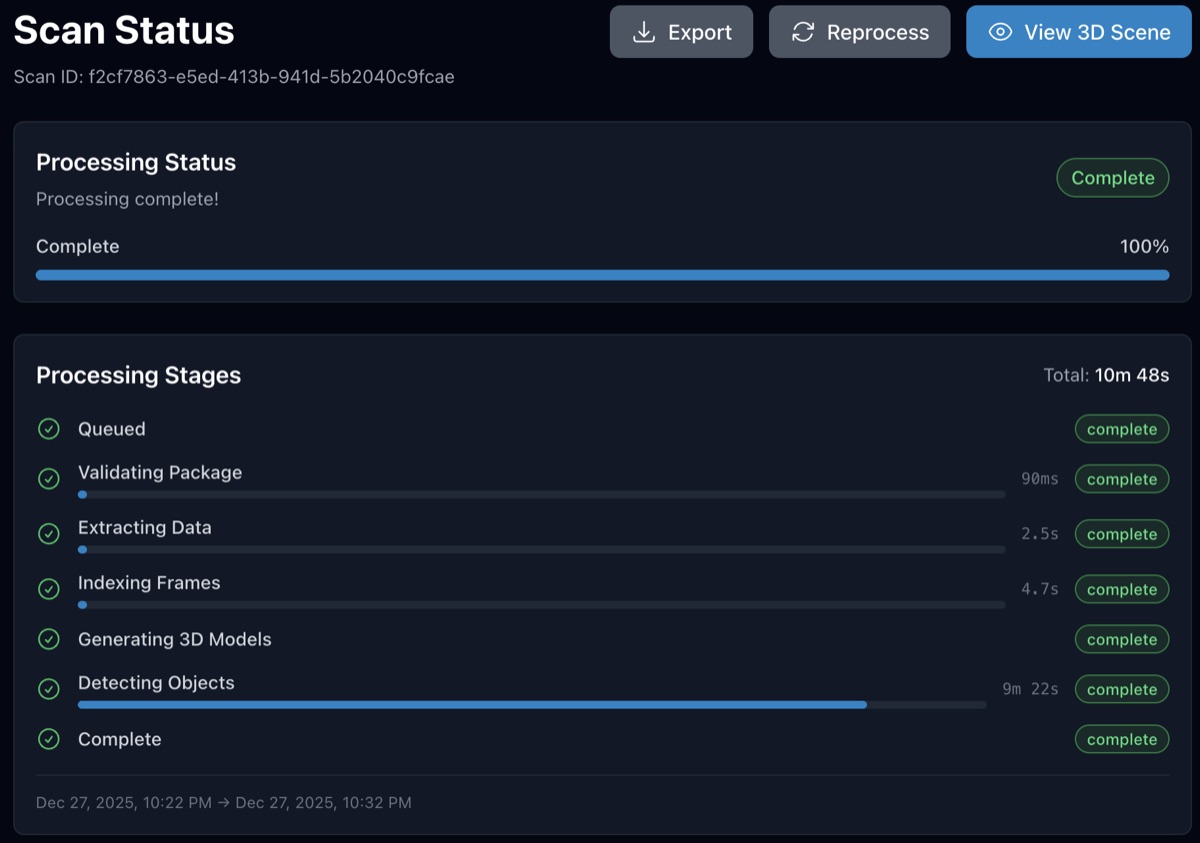
- The scan becomes a navigable 3D space with 360° views along the route walked.
- Anyone can be shown where the camera was and what it saw at any point.
- Progress is visible while it processes, and the original capture stays exportable.
Change the check without changing anything else.
Which AI reads your scans is a setting. Point it at something else and the site is being asked a different question.
- Use a detector we have trained, bring your own, or have one trained for your condition.
- Set how confident a finding has to be before it reaches your team.
- Try a detector against a scan before you switch your sites over to it.
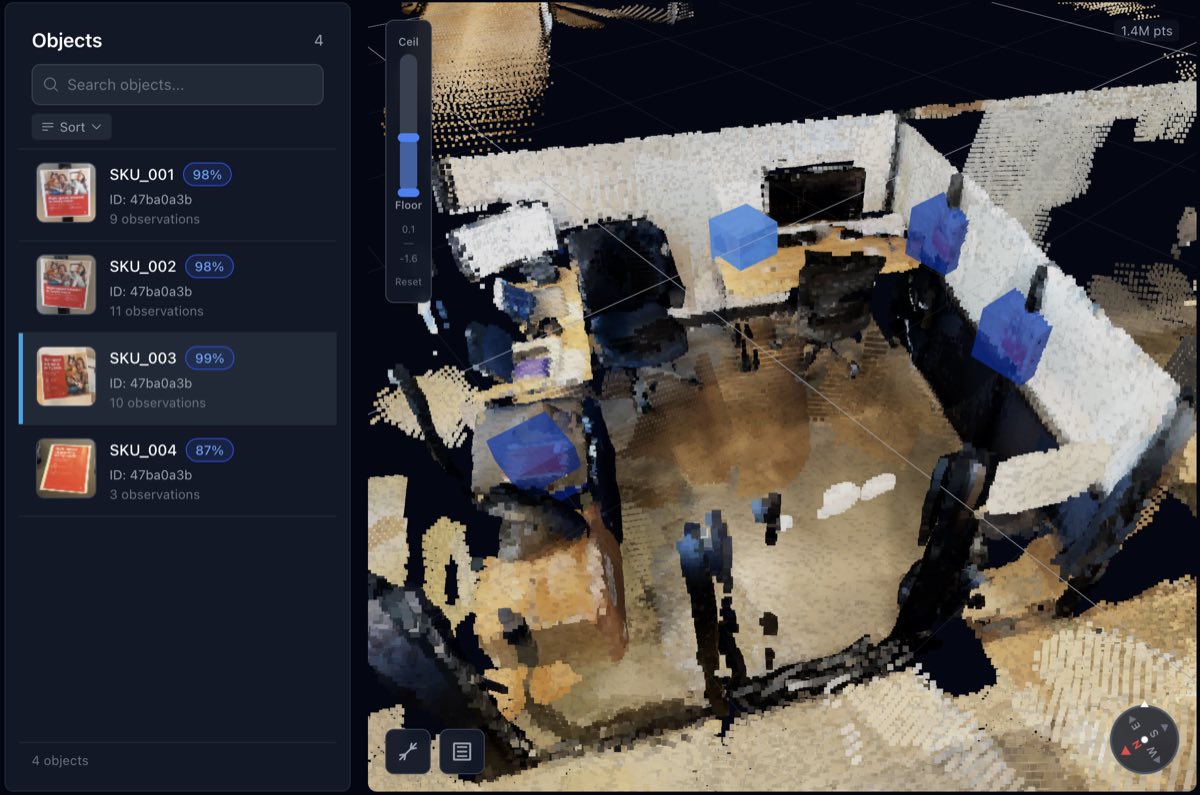
A finding is a place, not a photograph.
The same thing spotted across dozens of frames becomes one finding, sitting where it actually is.
- Every finding carries a position, a size, and the footage that evidences it.
- Click anywhere in the scene to pull up the frame that saw it best.
- Measure distances and areas without going back.
- Filter by confidence, correct a wrong label, hide what is not relevant.
Change the question without changing the visit.
Two teams, one walk. Facilities wants the fire equipment; brand wants to know the campaign went up. Point PRISM at a different detector and the same scan answers both, without sending anyone back.
- One visit serves every team that needs something from that site.
- Ask a new question of a walk that already happened. Nobody can go back and scan last March.
- When a detector improves, run it across the scans you already hold.
- Every scan keeps its date and place, so an answer is always tied to a known visit.
Run it across sites, teams and roles.
Review happens in a browser, so the people acting on findings need neither the capture device nor specialist software.
- Every site on one map, every scan in one list.
- Roles decide who sees and changes what.
- An API to push findings into the systems your team already works in.
What you need to run it
To capture
- A LiDAR-equipped iPhone or iPad. Ask us which models qualify.
- Enough signal to upload, eventually. Uploads resume after a drop.
To review
- A desktop browser. Nothing to install.
- AI trained on what you want checked. Ours, yours, or one we train.
Tell us what you need to check.
Bring the question you are trying to answer about your sites, and we will tell you straight whether PRISM answers it.